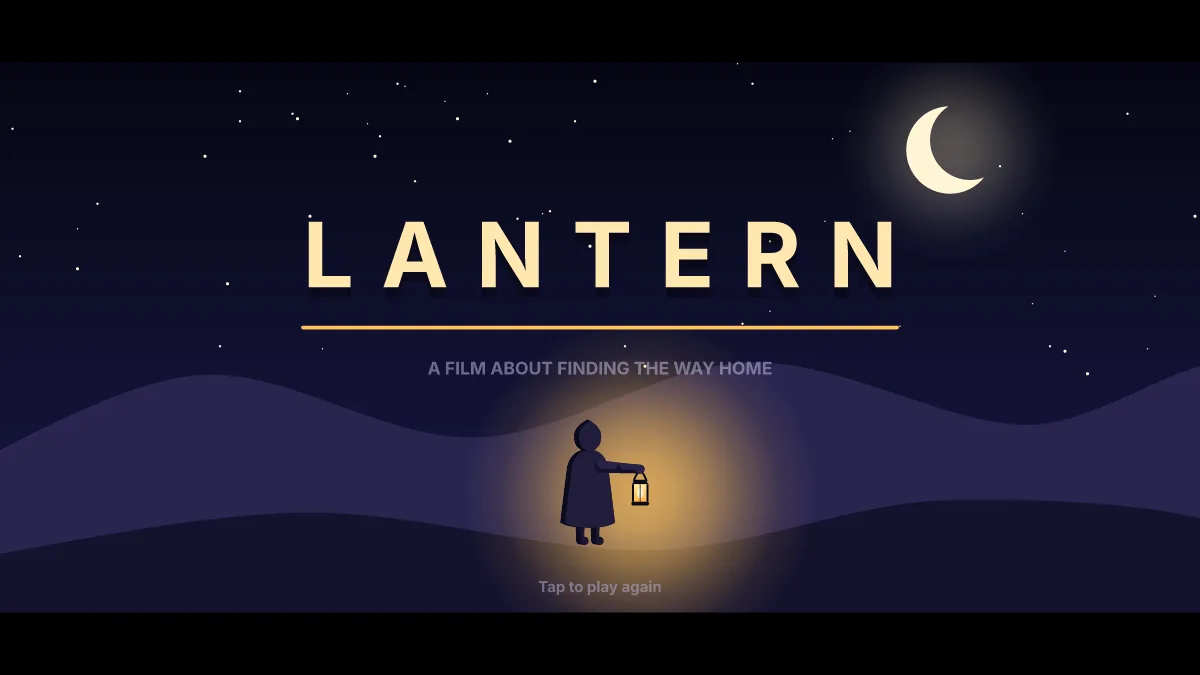
Ova Motion makes interactive animations for websites: hero sections that react to the pointer, logo reveals, parallax scenes and animated buttons. They are vector, usually tens of kilobytes, and play on a canvas with a small WebAssembly runtime in any site or framework.
- Good for
- Hero sections, logo reveals, parallax, animated calls to action, mascots
- Size
- Usually tens of kilobytes per scene
- Sharpness
- Vector, crisp on any screen
- Embed
- Canvas plus the web runtime, or a share link
- Exports
- Also GIF, MP4, PNG frames and animated SVG for social posts
Why not a video?
A hero video is megabytes, plays the same for everyone and cannot react. An Ova Motion scene is a small vector file: links underline on hover, the call to action shines, a mascot looks at the pointer, and it stays sharp on every screen.
From idea to live page
- Start from the website hero, brand splash or parallax template, or a blank artboard.
- Set the artboard to resize with the page (responsive layout) so it fits phones and wide screens.
- Export the .egg and add the web player to your page, or share a link for review first.
- Need a social clip too? Export the same scene as MP4 or GIF.
Fast pages stay fast
Keep the headline and text in HTML for search engines and screen readers, and use the animation as the picture beside it, the way this site's home page plays the Hatch scene. Load the runtime after the page is interactive so it does not delay the first paint.
Last checked against the product on 2026-10-15.