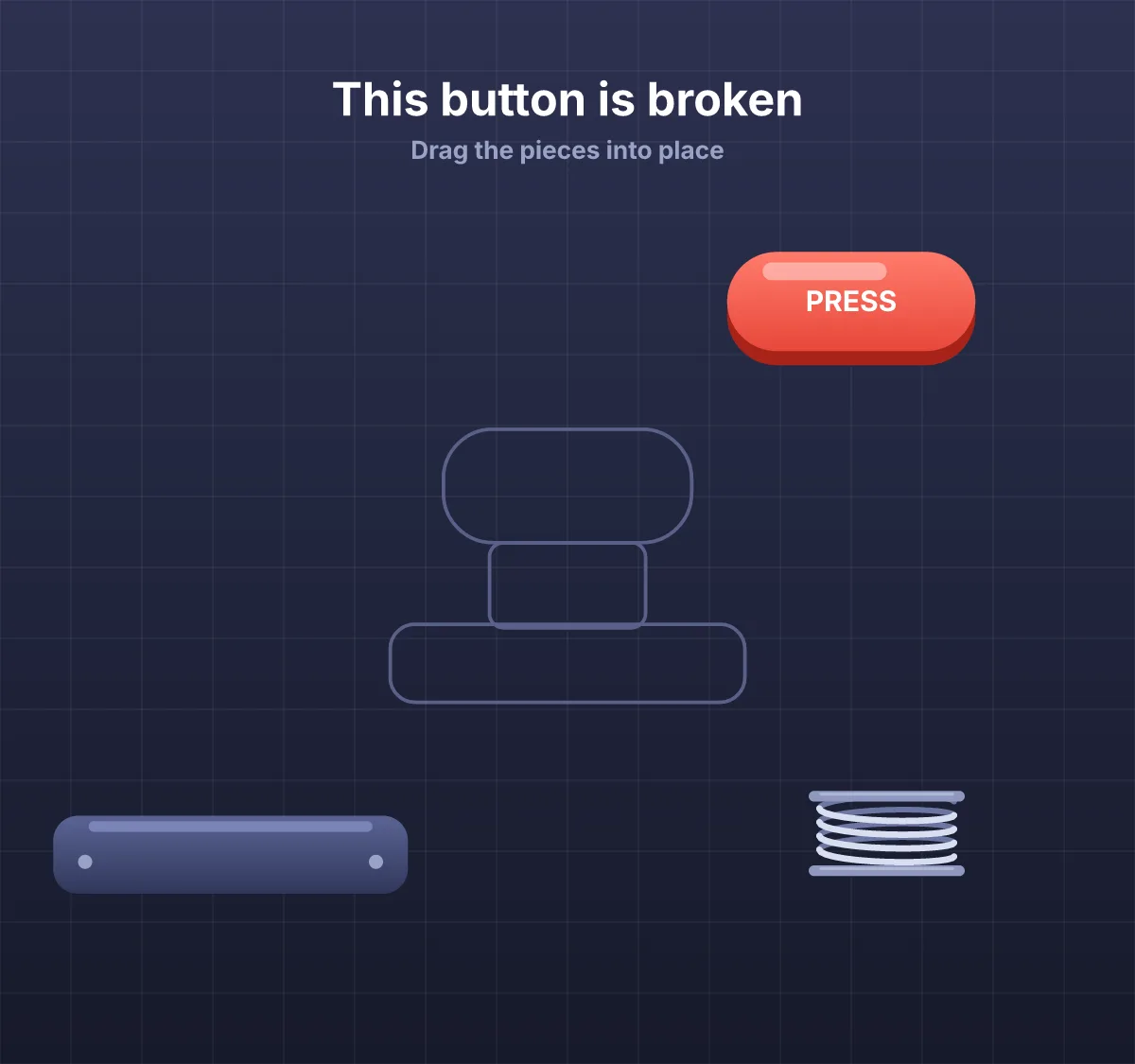
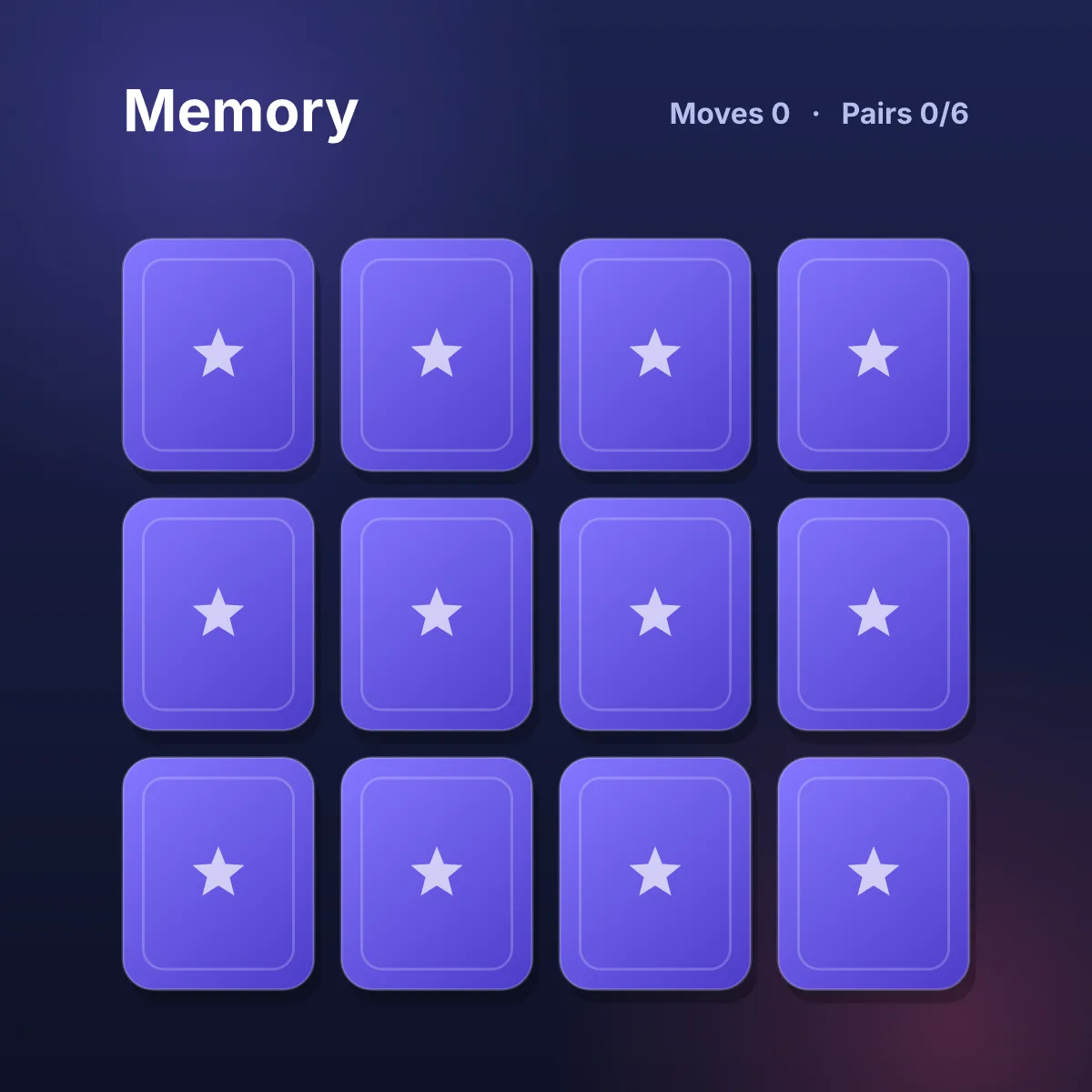
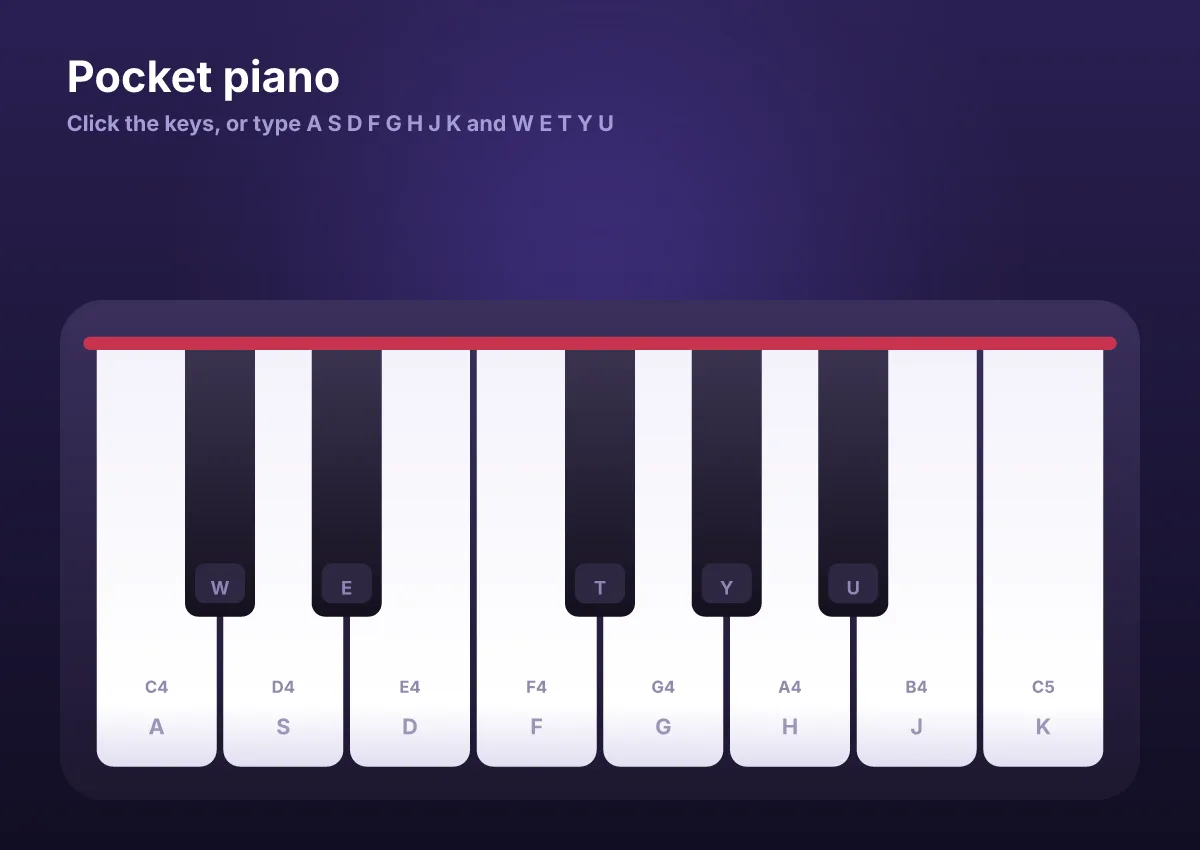
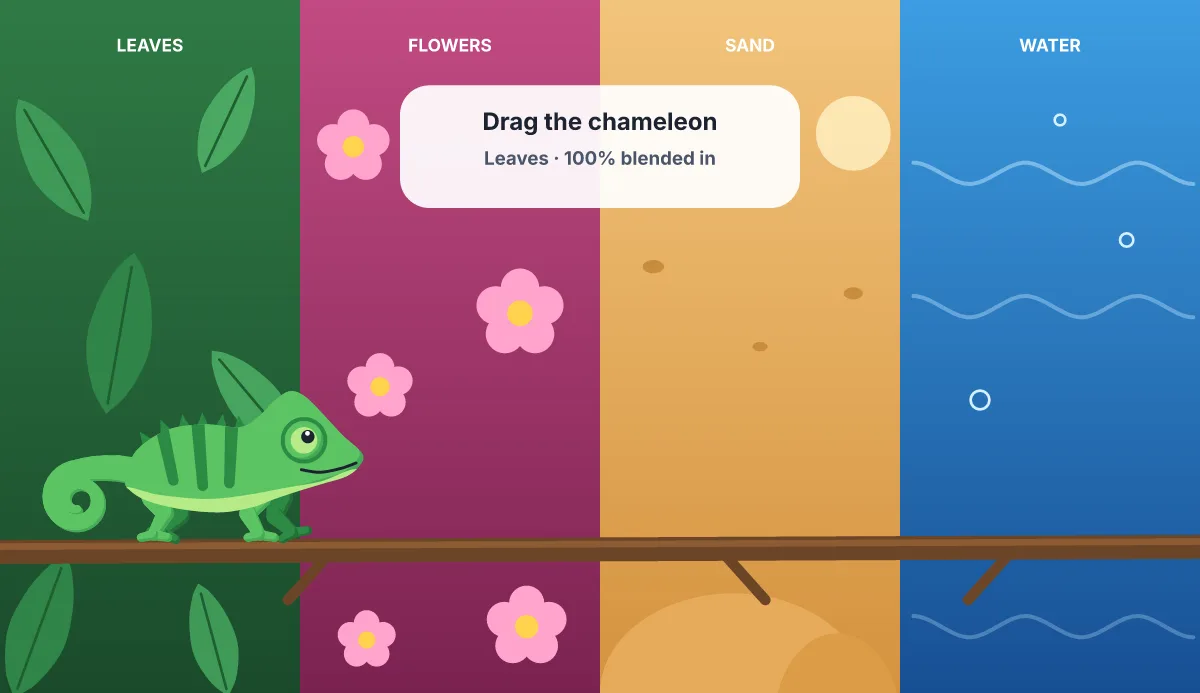
Ova Motion lets teachers and edtech teams build interactive learning activities and animated characters: drag-to-match, tap-to-answer and tracing games run by state machines and short Luau scripts. The same file plays on iOS, Android, Flutter and the web, and adapts to phone and tablet screens.
- Activities
- Drag and drop, matching, tapping, tracing, quizzes with scores
- Characters
- Mascots that react to right and wrong answers
- Screens
- Responsive artboards for phones and tablets, portrait or landscape
- Sound
- Sound events for feedback and voice
- Platforms
- iOS, Android, Flutter and the web
Activities children understand without reading
Drop targets snap pieces in place, a mascot cheers or shakes its head, and stars count the score. Each reaction is a state in the file, so a teacher or designer can tune it without a developer.
How a learning game is built
- Draw the scene and the characters, or import pictures.
- Animate the feedback: correct, try again, finished.
- Use drag listeners and drop targets for the activity, and a short script for the rules if needed.
- Play it in your app with the runtime, or share a link with a class.
Made with Vietnamese in mind
Text in the editor and the runtimes handles Vietnamese diacritics, and this site has a page in Vietnamese.
Last checked against the product on 2026-10-15.