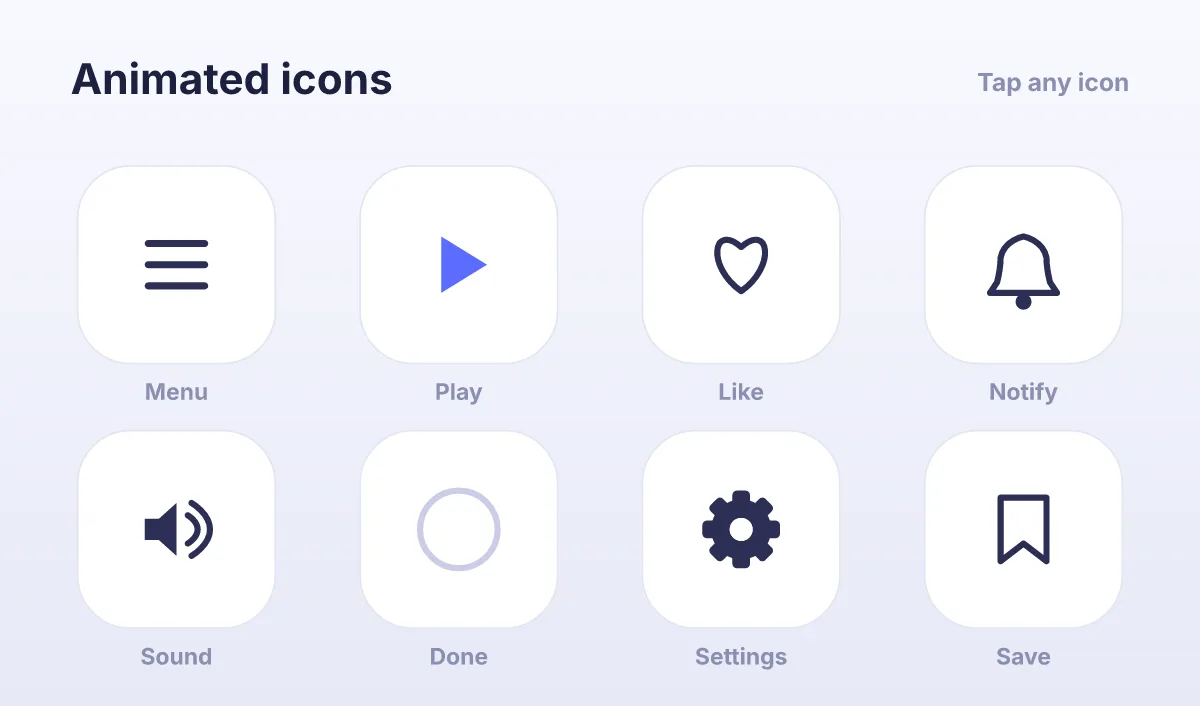
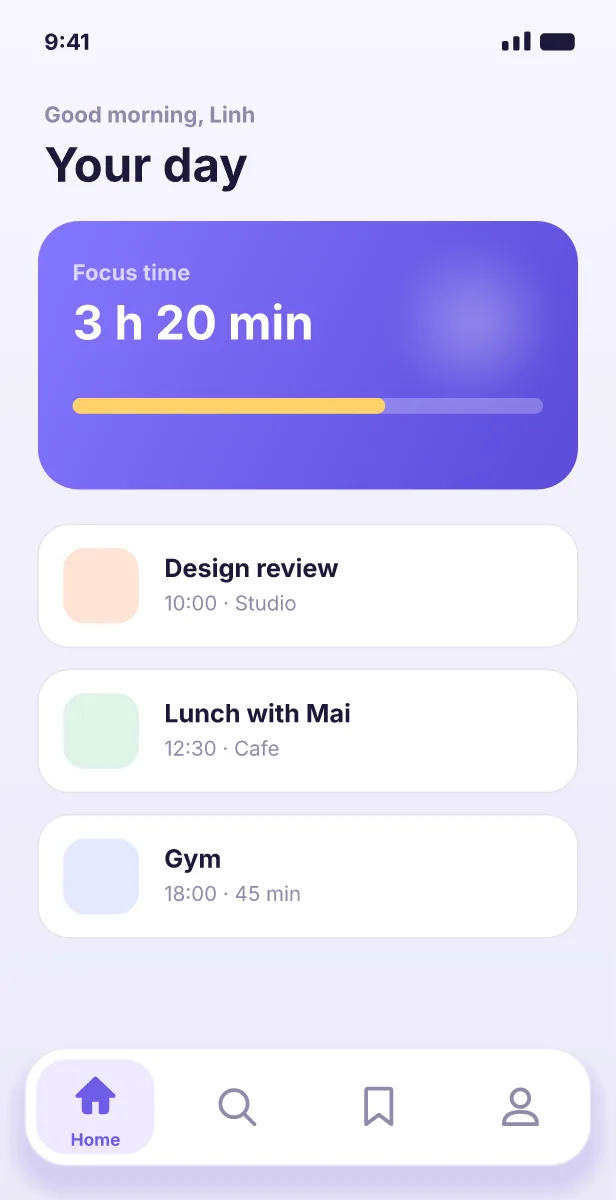
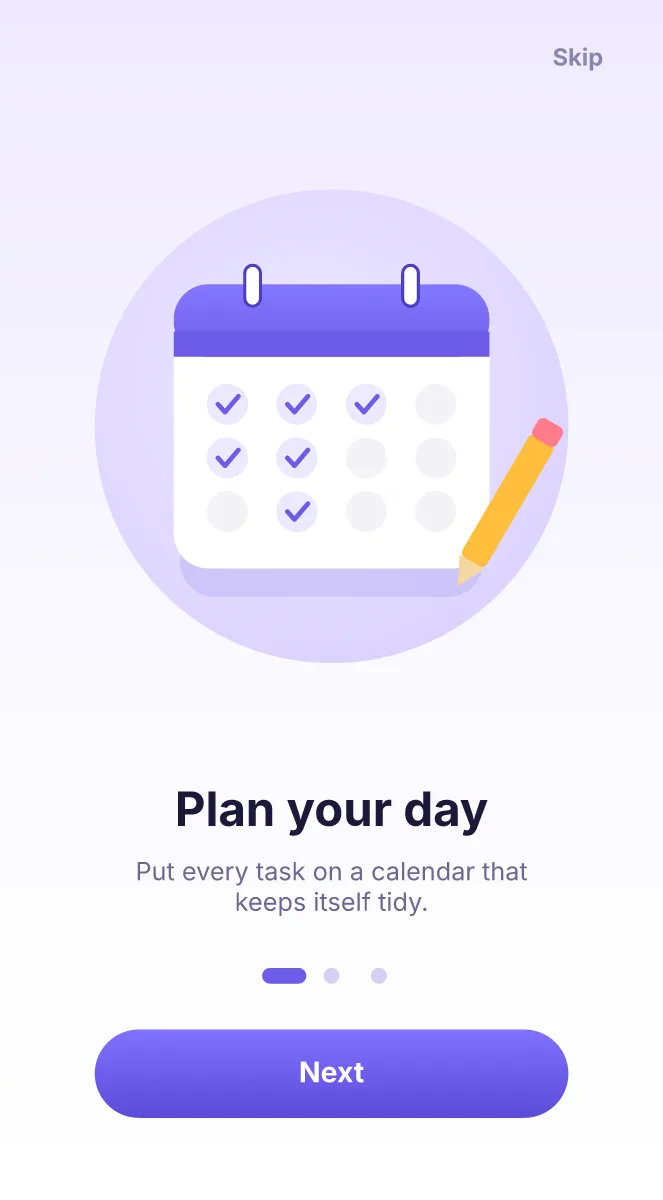
Ova Motion is a UI animation tool where designers make interactive micro-interactions, animated icons and onboarding screens. The same .egg file you test in the editor plays in the app through a runtime, so nothing is rebuilt in code.
- Made for
- Micro-interactions, animated icons, onboarding, empty states, loaders, buttons
- Workspaces
- Design, Animate and Logic on one document
- Imports
- SVG, PSD, .riv, pictures, fonts and sounds
- Hand-off
- One .egg file plus the names of its inputs and data
- Works in
- The browser and a desktop app for macOS, Windows and Linux, also offline
Why prototypes get lost on the way to the app
Most motion work ends as a video or a prototype link. A developer watches it and rebuilds it in code, timing by eye. Details go missing and every change starts the loop again.
In Ova Motion the design is the deliverable. A state machine says what happens on hover, press and success; the app only tells the file what happened, for example "loading is true" or "progress is 0.6".
How designers work in Ova Motion
- Design: pen, shapes, booleans, text, gradients, shadows and glows. Frames use auto layout so a button grows with its label.
- Animate: key any property, ease with curves, elastic or bounce, and trim paths for strokes that draw themselves.
- Logic: add states such as idle, hover, pressed and done, connect them with transitions and listen to the pointer.
- Run it in the editor, then export one .egg file or share a link anyone can open in a browser.
Real data instead of fake numbers
View models bind text, colours, numbers and lists to values the app sets while it runs. A weather card shows the real city, a progress ring the real percentage, a cart the real total. You choose a theme instance in the editor and see the screen as each user would.
Edit with your team
- Invite people by email to edit or to view, and see their cursors and selections live.
- Projects are saved on your device first and sync when you are online, so a flaky connection never blocks you.
- Share links play the animation in any browser without an account, for reviews and sign-off.
Last checked against the product on 2026-10-15.