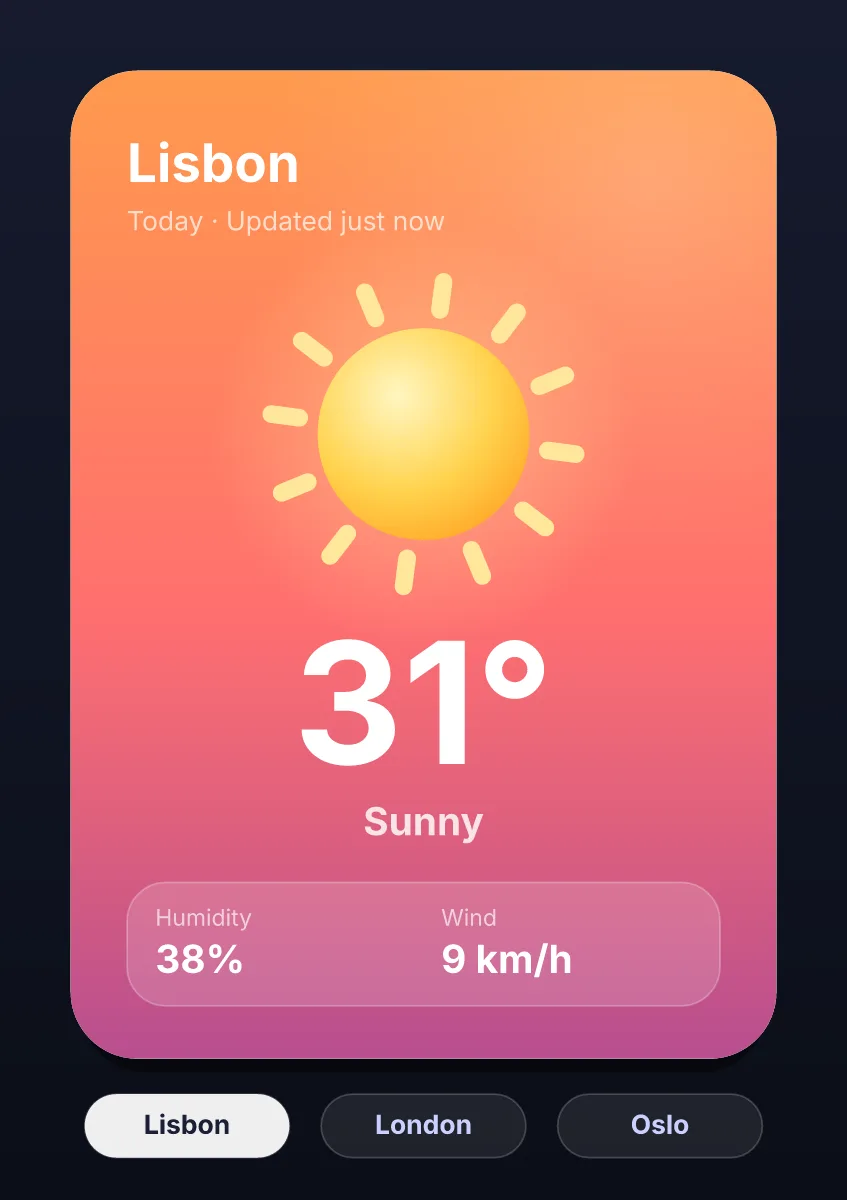
In React or Next.js, render the EggPlayer component from the Ova Motion web runtime with src (the .egg file), machine and fit; onLoad gives you the view to set state machine inputs and view model values, and onEvent receives the file's events. Render it on the client only, since it draws on a canvas.
- Platform
- React 17 or newer, Next.js (client components)
- Binding
- EggPlayer component in the web runtime
- Draws with
- Canvas 2D
- Same file everywhere
- One .egg plays the same on every runtime
- License
- MIT or Apache-2.0
The component
Weather.jsxreact
"use client";
import { EggPlayer } from "./player/react.js";

export function Weather({ city, temperature }) {
  return (
    <EggPlayer
      src="/weather.egg"
      machine="weather"
      fit="contain"
      onLoad={(view) => {
        view.player.vm_set_string("city", city);
        view.player.vm_set_number("temperature", temperature);
      }}
      onEvent={(e) => console.log(e)}
    />
  );
}| Prop | Does |
|---|---|
| src | URL, ArrayBuffer or Uint8Array of the .egg |
| machine | State machine to start |
| artboard | Artboard of a bundle |
| fit | contain, cover, fill, layout, expand or file |
| renderer | canvas or pixels |
| onLoad, onEvent | The view once ready; every event the file reports |
In Next.js
Use the component in a client component ("use client"). Keep headings and text in server-rendered HTML so the page is indexed and readable, and let the animation be the picture beside them.
Last checked against the product on 2026-10-15.