Ova Motion is a 2D animation and game UI tool: bones, inverse kinematics and mesh deformation for characters, state machines and Luau scripts for menus, HUDs and small games. Files play through runtimes for Unity (C#), Unreal (plugin), the web and native apps, with pointer, keyboard and gamepad input.
- Characters
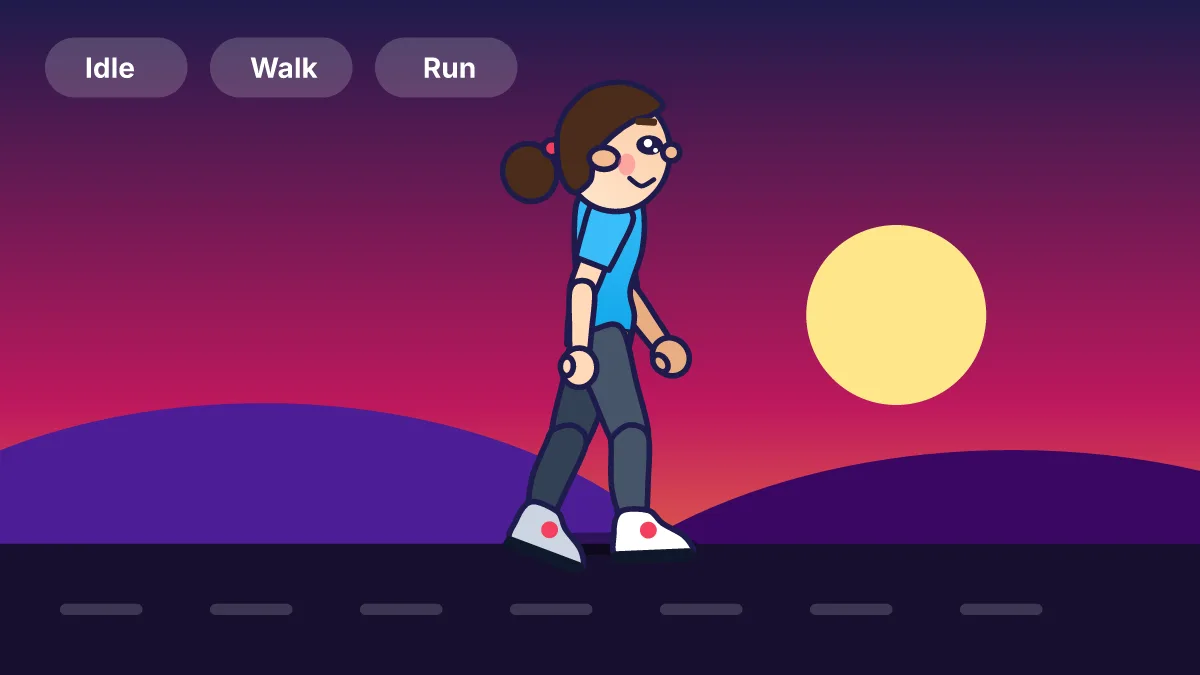
- Bones, IK, mesh deformation, walk and run cycles, poses
- Game UI
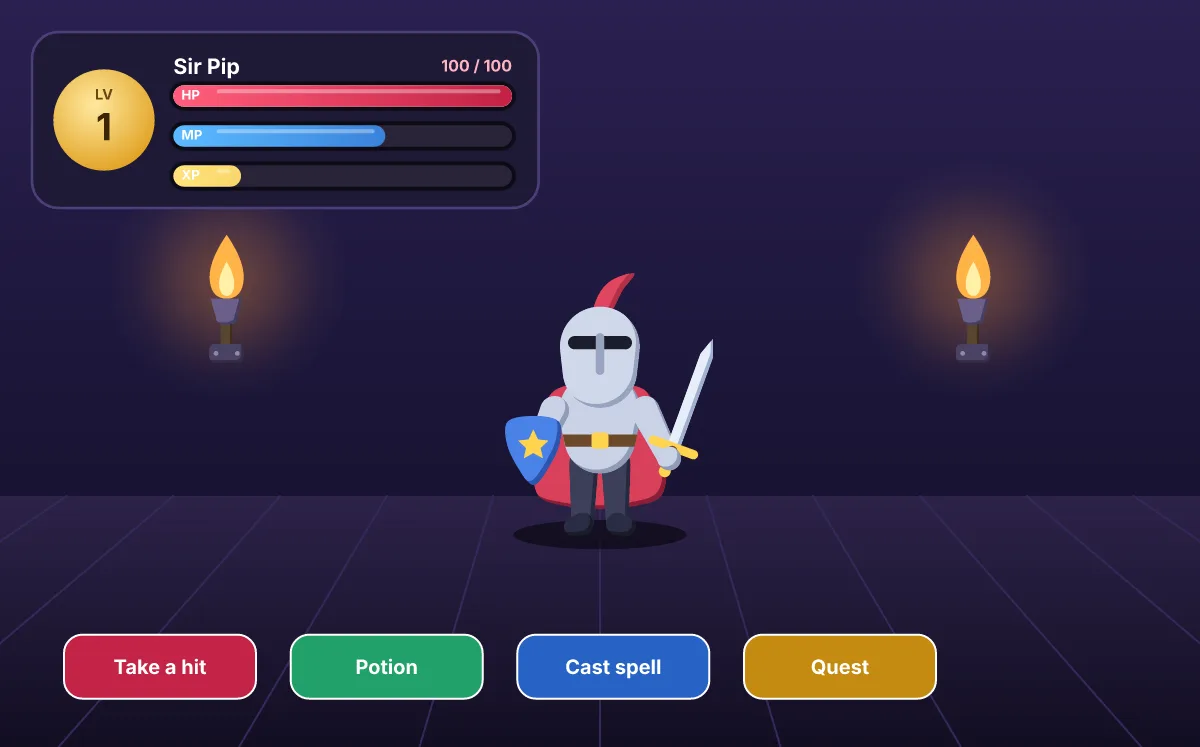
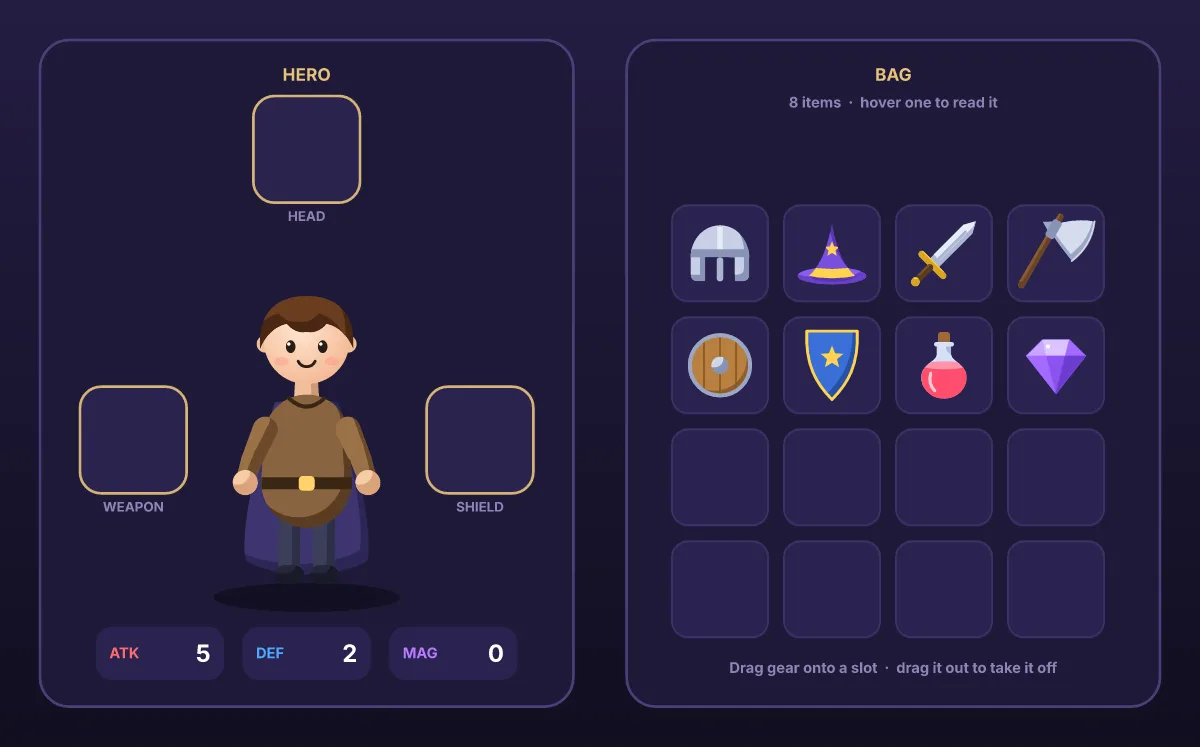
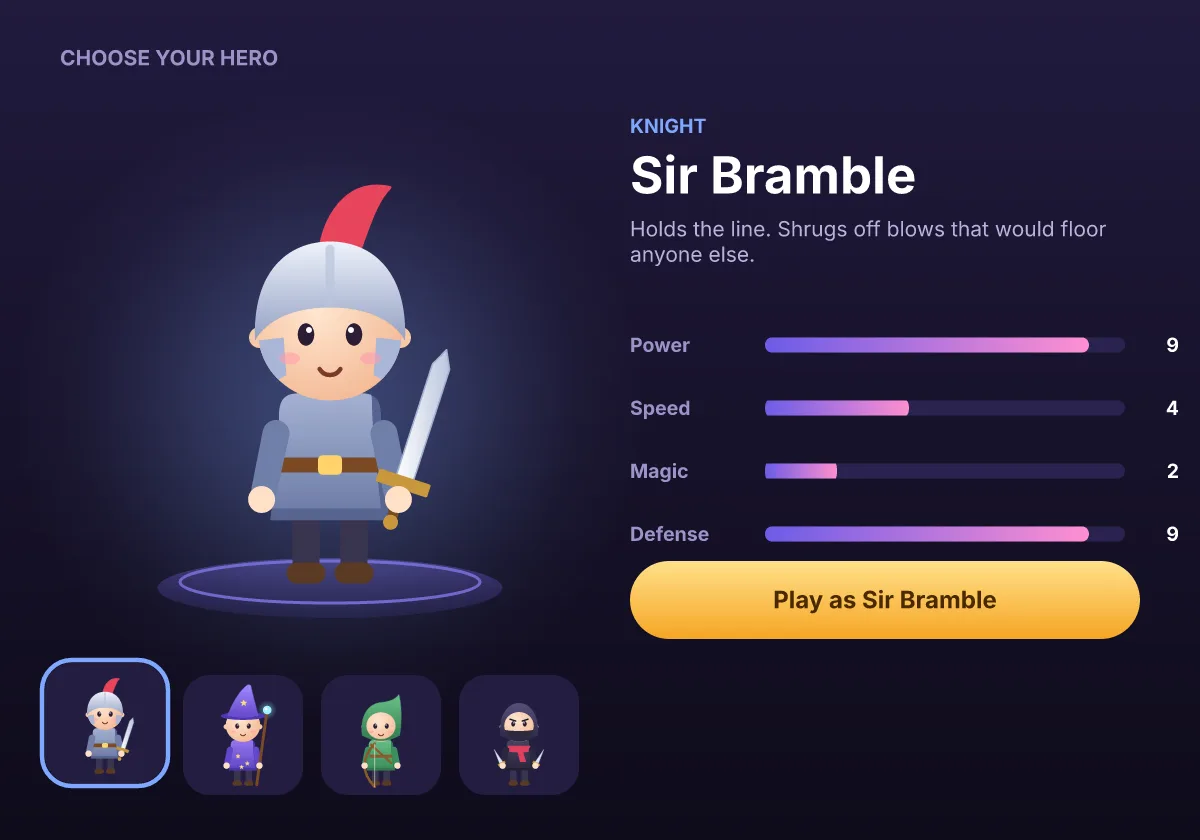
- Health bars, damage numbers, inventories, hero select, scoreboards
- Logic
- State machines with layers and blends; Luau scripts
- Input
- Pointer, multi-touch, keyboard and gamepad
- Engines
- Unity package, Unreal plugin, web, C API
2D characters with a real rig
Skin a character to a skeleton, solve arms and legs with IK and bend pictures with a mesh. Blend walk and run in a state machine so speed changes smoothly, and fire a trigger from gameplay for a jump or a hit.
Game UI without rebuilding it in the engine
Bars that drop with a trail, damage numbers that float, inventories you drag items into: the artist builds them once in Ova Motion and the game sets numbers through view models (health, mana, gold) instead of animating each widget in code.
In Unity and Unreal
- Unity: a package with an EggPlayer component that plays a .egg into a texture on a RawImage or a Renderer and forwards UI pointer events.
- Unreal: an EggRuntime plugin; a Blueprint type loads the file, starts a state machine and renders into a texture for a widget or a material.
- Web games: the WebAssembly runtime with pointer, keyboard and gamepad input.
Small games made entirely in the editor
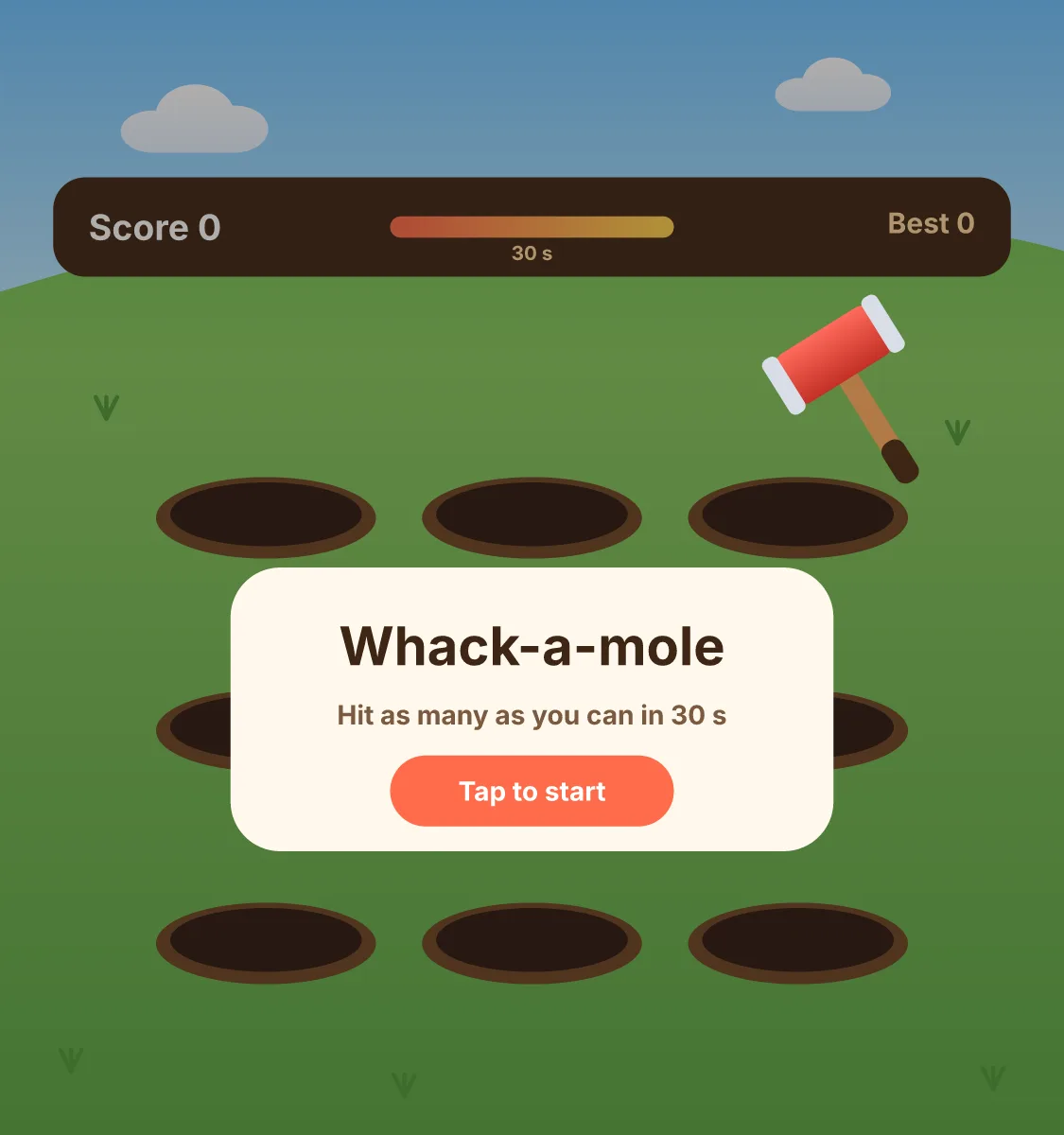
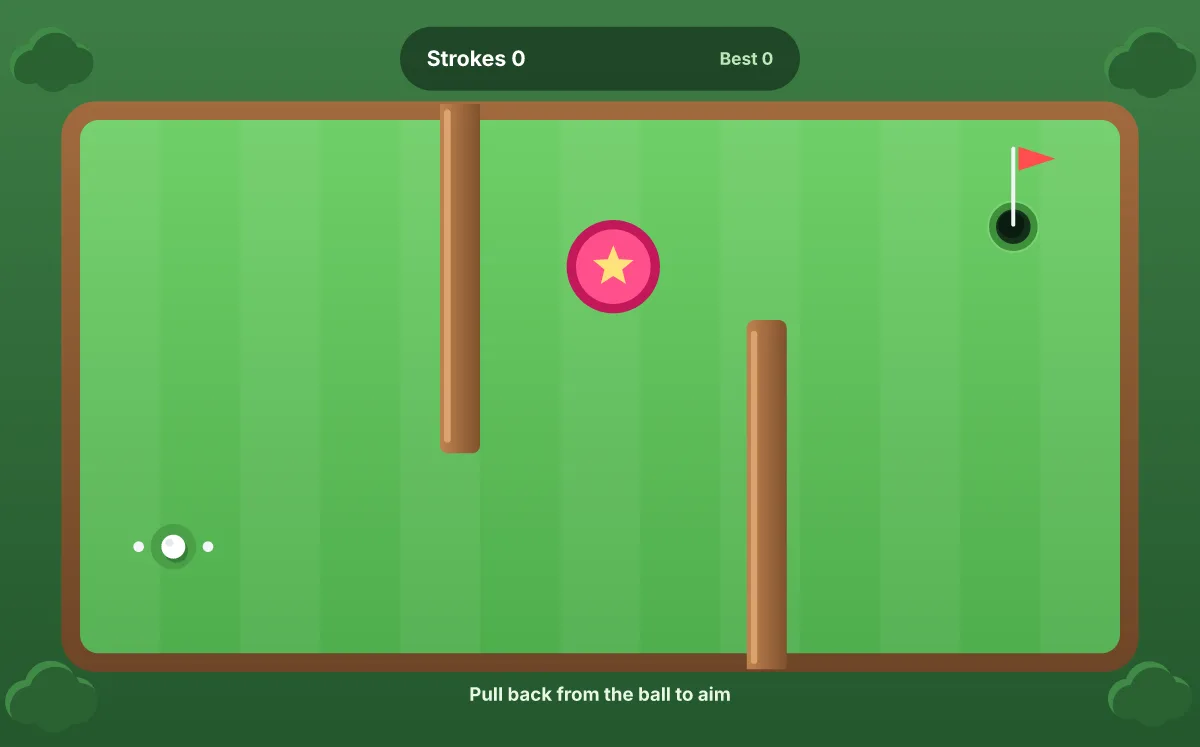
Some games need no engine at all. The templates include a slot machine, whack-a-mole, mini golf, a flappy-style flyer and a memory game, each one .egg file with its state machine and a Luau script.
Last checked against the product on 2026-10-15.