For UI and app animation, Ova Motion is an alternative to After Effects: instead of rendering video or exporting through a plugin, you design and animate in an editor made for interfaces, add interaction with a state machine, and ship a small .egg file that plays live in the app. After Effects remains the better tool for film, compositing and video effects.
- Output
- A live, interactive file instead of a rendered video
- Interaction
- State machines, listeners, view models
- Platforms
- Browser and desktop editor; runtimes for web, apps and engines
- Also exports
- MP4, GIF, PNG frames and animated SVG
Skills that carry over
Keys, easing curves, a graph editor, trim paths, parenting, masks and blend modes all work the way motion designers expect. Ova Motion learned shortcuts and habits from After Effects-style tools, such as U to show animated properties and a keyframe assistant.
What you gain for interface work
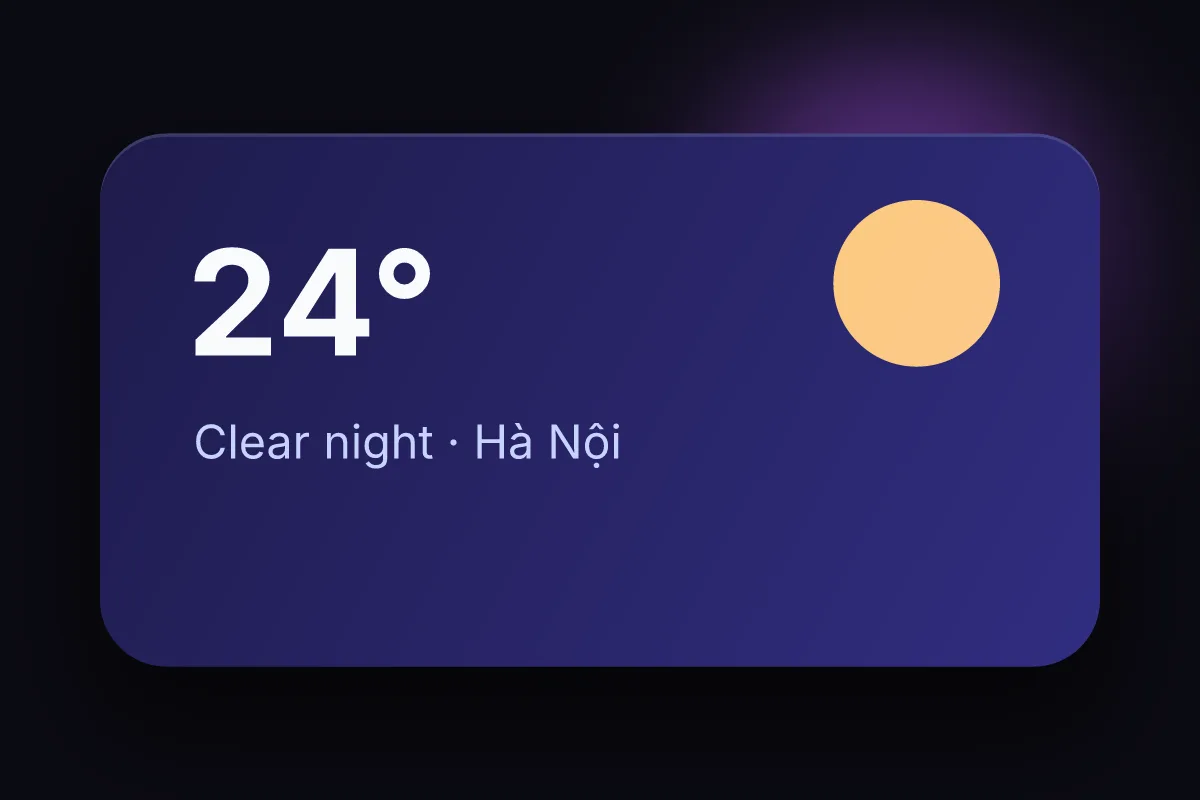
- The animation reacts: hover, press, drag and app data drive it.
- Layouts resize with the screen instead of being one fixed video size.
- Files are tens of kilobytes instead of megabytes of video.
- Developers do not rebuild the motion; they play your file.
Keep After Effects for
Footage, compositing, 3D, particles for film and anything that ends as a video. Ova Motion is for motion that lives in software.
Last checked against the product on 2026-10-15.