Runtimes · Flutter

Interactive animation in Flutter.

Two Dart packages: egg_runtime talks to the native runtime, and egg_player gives you an EggPlayer widget that advances it every frame, draws it and sends it pointer input.

In short

In Flutter, add the EggPlayer widget with the .egg bytes and the state machine name; onLoaded gives you the EggRuntime to set inputs (setBool, setNumber, fire) and view model properties, and onEvent receives the file's events. EggFit.expand fills phones and tablets alike for games.

Platform
Flutter apps
Binding
Dart packages egg_runtime and egg_player
Draws with
ui.Image from the native runtime
Same file everywhere
One .egg plays the same on every runtime
License
MIT or Apache-2.0

The widget

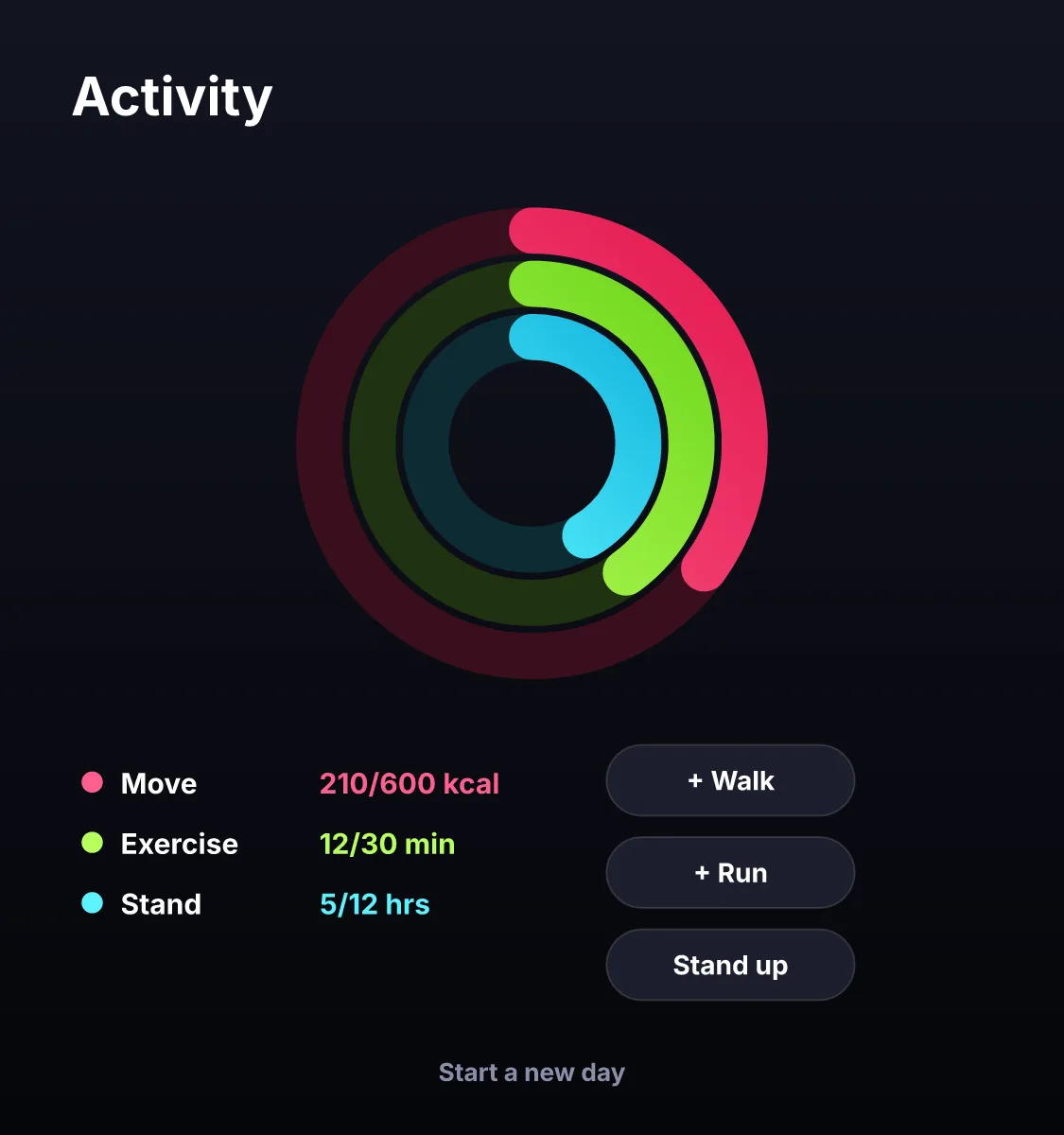
rings.dartdart
EggPlayer(
  bytes: bytes, // Uint8List of the .egg
  stateMachine: 'rings',
  fit: EggFit.expand,
  onLoaded: (runtime) {
    runtime.setNumber('move', 0.6);
  },
  onEvent: (event) => debugPrint('$event'),
)

Last checked against the product on 2026-10-15.
Examples you can play

All templates

Questions

Does it support data binding?

Yes, for numbers, booleans and strings from Dart; the file can also bind colours, lists and pictures internally.

What can my code change at run time?

State machine inputs (booleans, numbers, triggers), view model properties bound in the file (text, numbers, colours, enums, pictures, lists), and pictures, sounds and fonts handed over by your app. Your code also reads the current state and the events the file reports.

Is the runtime free to use in commercial apps?

Yes. The runtimes are licensed MIT or Apache-2.0, and what you make in the editor is yours.

Start with an egg.
Ship an interface.

Open the editor in your browser, or download it for macOS, Windows and Linux.